Show the workflow,
not just the interface
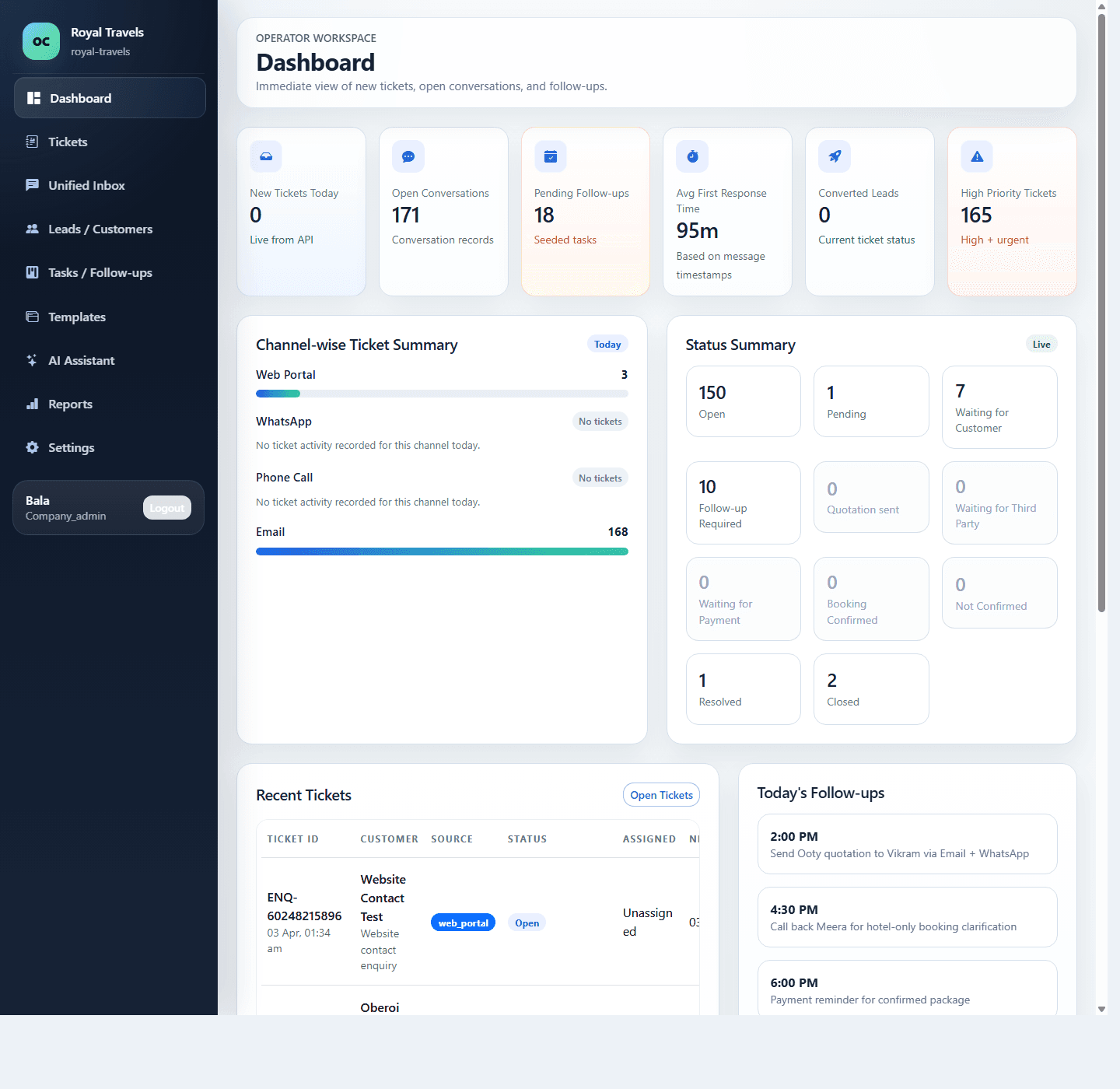
In a live demo, you should see how Tripdhootha captures enquiries, assigns ownership, keeps follow-ups visible, and gives workspace admins a cleaner customer portal for billing and account control.
Show buyers how enquiries enter, get assigned, move through follow-up, and close with full customer context.
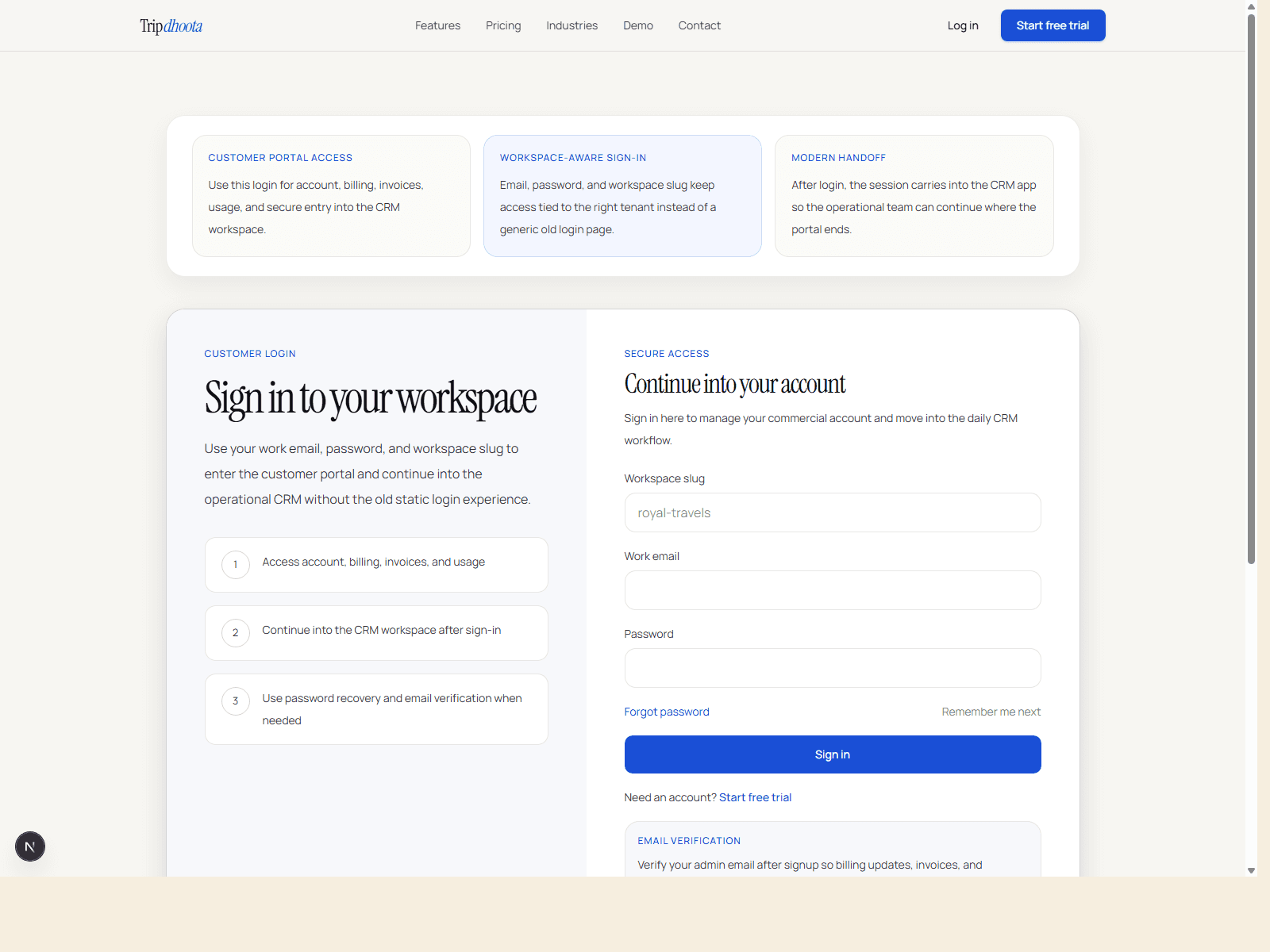
Explain where billing, invoices, usage, and plan controls live so the customer portal story feels complete.
Keep the session focused on team workflow, ownership, reporting, and scale rather than generic product touring.
Turn a product tour into a buying decision
Buyers should leave the session knowing how the product fits their enquiry flow, what operational problems it solves, and how the commercial path works after the trial.
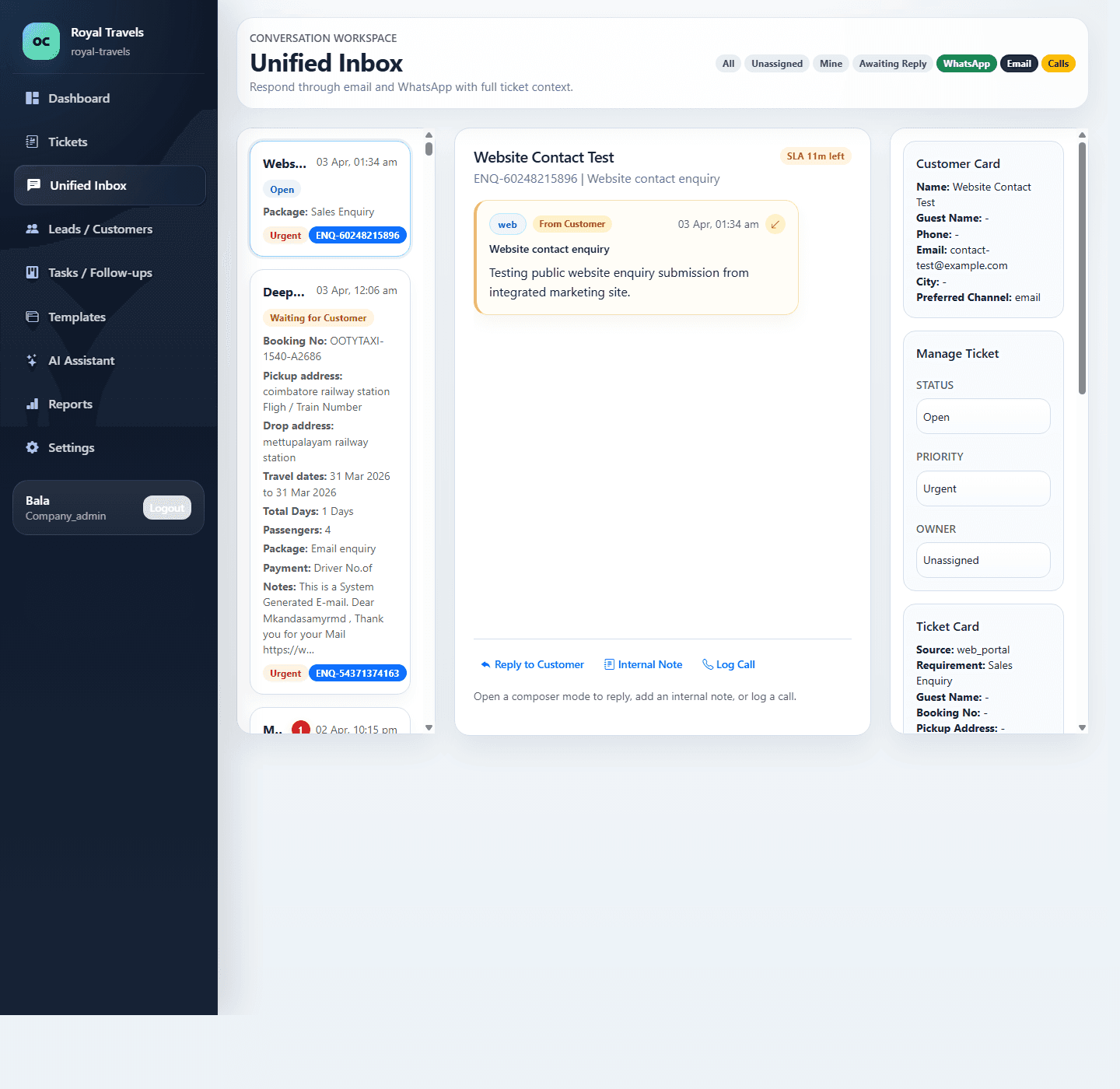
Start with the live queue buyers immediately understand
Start with the inbox view, where teams immediately recognize scattered conversations, missed ownership, and weak follow-up control.
Show how ownership and reminders keep work moving
After the inbox, show how follow-ups, assignments, and status control help teams manage daily volume.
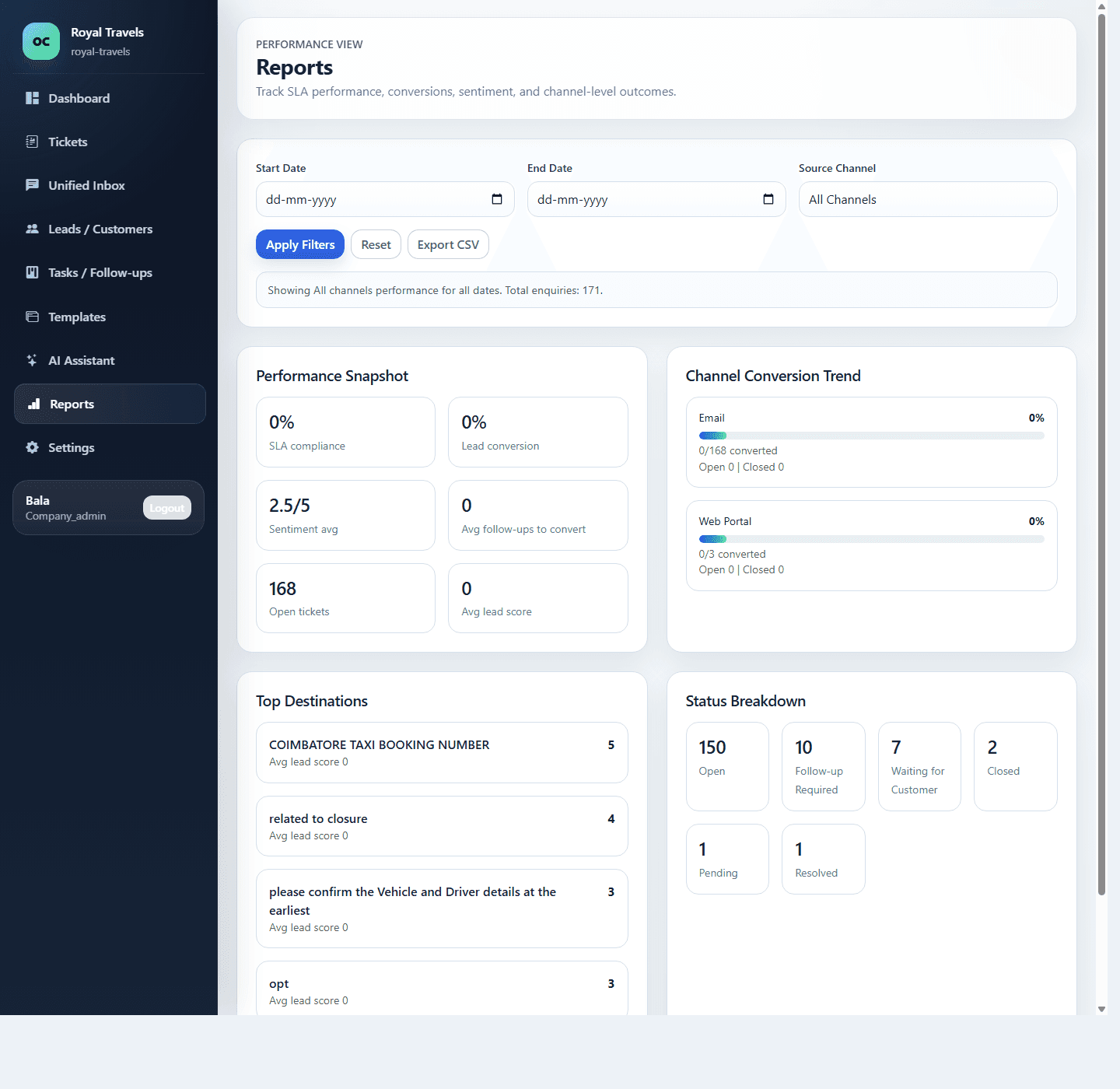
Finish with reporting that shows operational performance
Buyers want confidence that managers can measure response quality, workload, and channel mix after rollout. Reporting makes that value tangible.
Tell us what your team needs to see
Share your team size, channels, current tools, and the workflow you want the session to focus on. That helps us keep the demo focused on your real process.
Book a focused walkthrough
We will tailor the session around your channels, team setup, and operational pain points so the product fit is clear before signup.